WCAG 2.0 Level AA compliance in Ontario

AODA Website [ice]Accessibility[/ice]

AODA website accessibility for Ontario organizations: audits, remediation, accessible documents and staff training, so everyone can use your website.

Why accessibility matters A Website [ice]Everyone[/ice] Can Use

We depend on the internet for almost everything: education, work, health care and shopping. For people living with disabilities, inaccessible websites shut those doors. The Accessibility for Ontarians with Disabilities Act (AODA) aims to make Ontario fully accessible, and websites are a big part of that.

Under the AODA, public sector organizations and private or non-profit organizations with 50 or more employees must meet WCAG 2.0 Level AA. We audit existing websites, fix what fails, design new websites to the standard from day one, convert documents to accessible formats and train your staff to keep everything accessible.

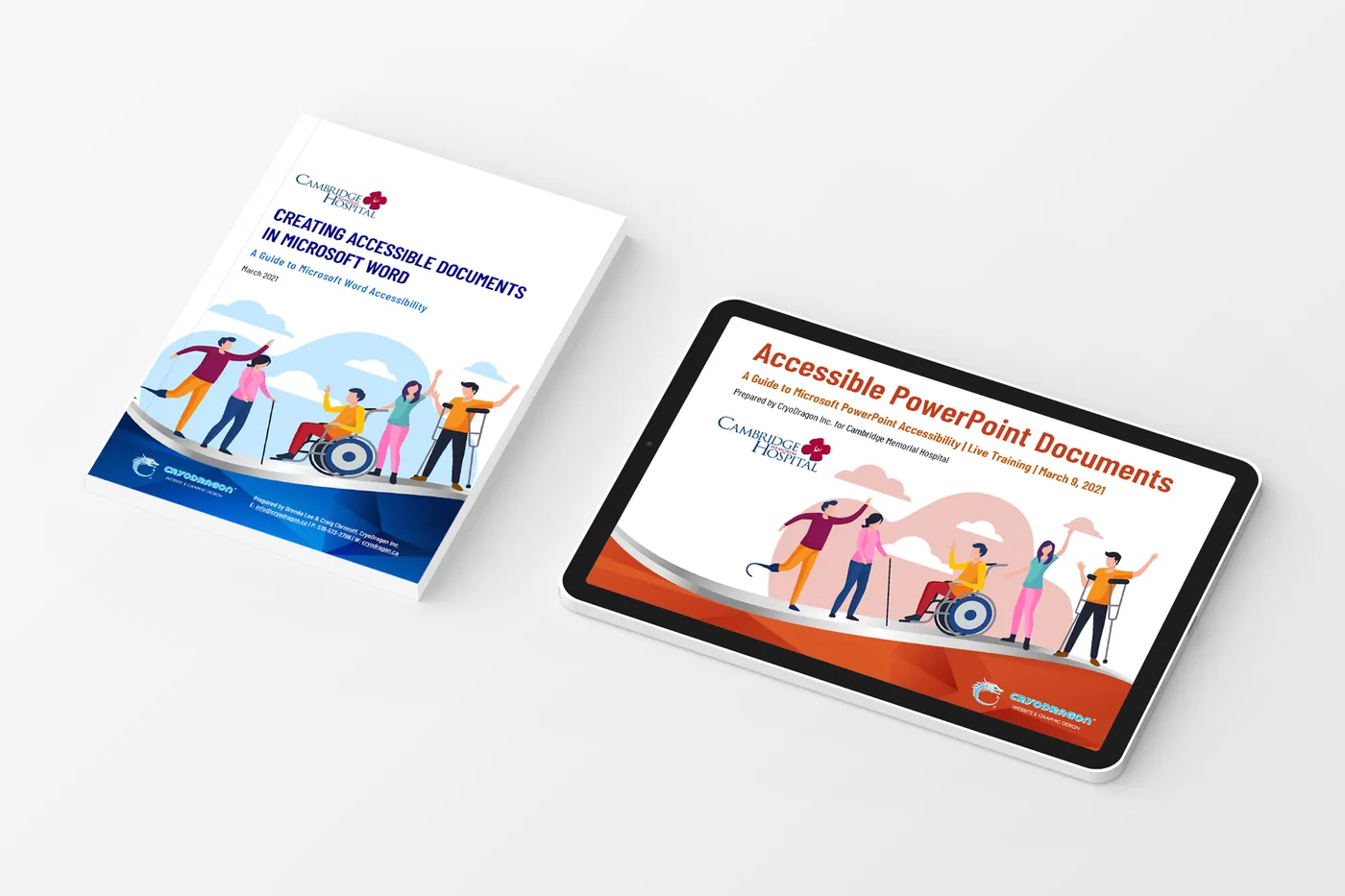
Website accessibility training materials, by CryoDragon

Our accessibility services

  • Accessibility audits
  • WCAG 2.0 AA remediation
  • Accessible new builds
  • Accessible PDFs & documents
  • Staff training
  • Accessibility policies
  • Ongoing monitoring
  • Plain-language reports

From a quick check to a full overhaul Accessibility Packages

Not sure where your website stands? Start with a Sense audit, or take our quick AODA compliance check. Remediation prices are based on a typical 5–10 page website using a content management system; custom builds need a custom quote.

Sense

Website Audit · Report & Plan

$400 Report and plan only · Timeframe: 1–3 days · no contract
  • Detailed accessibility performance report
  • Itemized list of improvements in every area
  • Short proposal and estimate for compliance
  • Recommendations you can act on yourself or with us
Run an Audit!

This service gives you a report and recommendations only.
Ward

Automatic AI Solution

$320 One-time installation & setup · accessiBe from USD $39/mo or $390/yr
  • Our discount on the accessiBe AI application
  • White-labelled for your brand
  • Accessibility interface on your website
  • Automated remediation
  • Proof of compliance with certification
  • 24/7 accessibility scans
Get Started

Monthly accessibility maintenance plans are available, especially for accessible content management.

Not sure what applies to you?

Don’t know your AODA requirements? Take our 1-minute compliance check.

Take the Check

Understanding the standardWCAG Levels A, AA and [ice]AAA[/ice]

The Web Content Accessibility Guidelines (WCAG) are published by the World Wide Web Consortium (W3C). Each guideline has success criteria at three levels, and each level includes everything in the levels below it.

Level A

The minimum

Removes the biggest barriers. Without these, some people can’t use your website at all.

  • Text alternatives (alt text) for images
  • Everything works with a keyboard
  • No keyboard traps
  • Captions for pre-recorded video
  • Page titles and a logical reading order

Level AA

The legal target

The level required by Ontario’s AODA and most laws around the world. This is what we build to.

  • Colour contrast of at least 4.5:1 for text
  • Text can be resized to 200%
  • Visible keyboard focus
  • Consistent navigation and labels
  • Captions for live video

Level AAA

The gold standard

The highest level. The W3C doesn’t recommend requiring it for whole websites, because some content can’t meet it.

  • Colour contrast of at least 7:1
  • Sign language for pre-recorded video
  • Extended audio descriptions
  • No timing limits
  • Reading level support
  1. WCAG 2.0December 2008Required by the AODA
  2. WCAG 2.1June 2018Adds mobile, low vision and cognitive criteria
  3. WCAG 2.2October 2023The latest version. Read WCAG 2.2

Newer versions build on older ones, so a website that meets WCAG 2.2 Level AA also meets WCAG 2.0 Level AA. How WCAG conformance works.

We’ve done the homeworkAccessibility Laws in Ontario, Canada and [ice]Around the World[/ice]

Choose a region to see the key laws, dates and official sources.

The Accessibility for Ontarians with Disabilities Act applies to every organization in Ontario with at least one employee. Its Integrated Accessibility Standards Regulation sets out who must make their websites accessible, and by when.

  1. 2005 The AODA is passed, with the goal of an accessible Ontario by 2025. Read the Act
  2. 2011 The Integrated Accessibility Standards Regulation (O. Reg. 191/11) adds requirements for information and communications, including websites. Read the regulation
  3. January 1, 2014 New public websites and significantly refreshed websites of designated public sector organizations and organizations with 50+ employees must meet WCAG 2.0 Level A.
  4. January 1, 2021 All public websites and web content posted after January 1, 2012 must meet WCAG 2.0 Level AA, except live captions (1.2.4) and pre-recorded audio descriptions (1.2.5). Ontario’s website guidance
  5. December 31, 2026 Next accessibility compliance report deadline for private and non-profit organizations with 20+ employees and for designated public sector organizations. How to file

Under the AODA, corporations convicted of an offence can face fines of up to $100,000 for each day the contravention continues.

This summary is general information, not legal advice. Requirements change, so always check the official sources linked above or speak with a lawyer about your organization’s obligations.

Find out in about a minuteAODA Compliance [ice]Check[/ice]

Answer a few quick questions to see which AODA website and accessibility requirements apply to your organization.

Does your organization have at least one employee in Ontario?

General information only, not legal advice. Employee counts include full-time, part-time and seasonal staff in Ontario. See the Integrated Accessibility Standards Regulation for details.

From audit to compliance Our Accessibility [ice]Process[/ice]

Accessibility is part technology, part people. We combine automated scanning with hands-on manual testing, fix what we find and help your team keep the site accessible.

You’ll work directly with Craig and Brenda from the first conversation to the final file. No account managers, no outsourcing, and no surprises on your invoice.

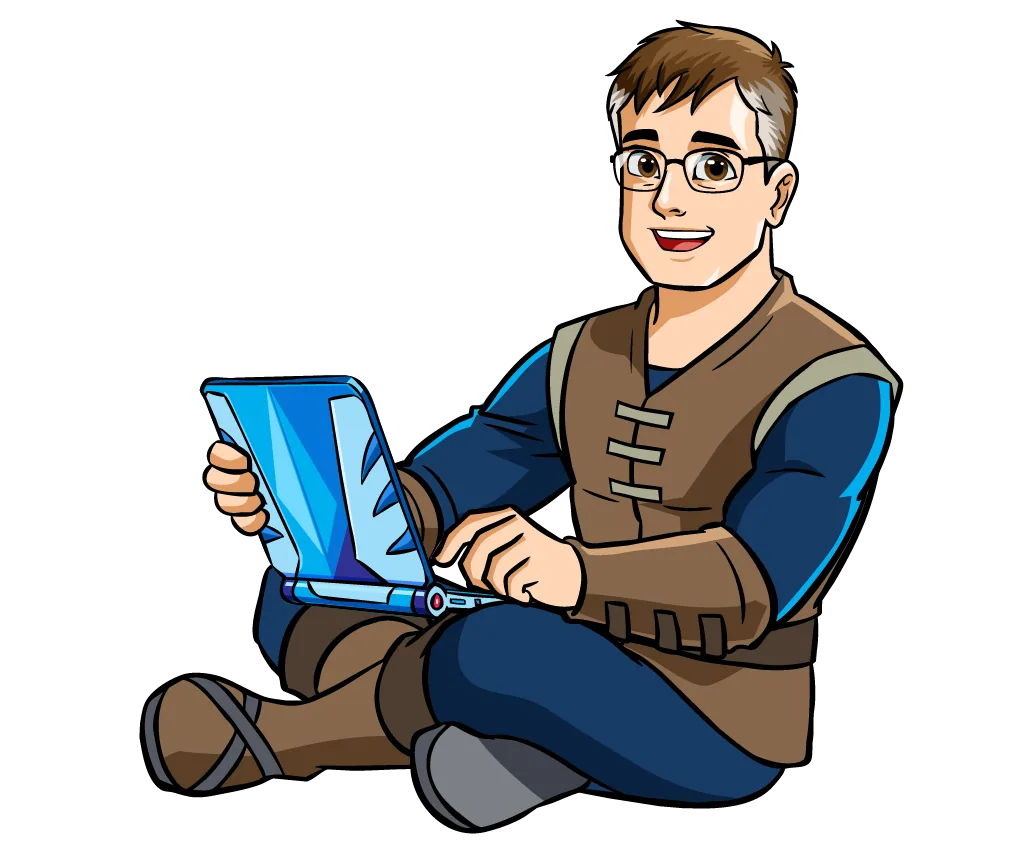
  1. Craig reviewing the details on his laptop

    Phase 1 · Audit the website

    Audit

    We scan your site with automated tools, then test key pages by hand with a keyboard and screen readers. You receive a clear report against WCAG 2.0 Level AA.

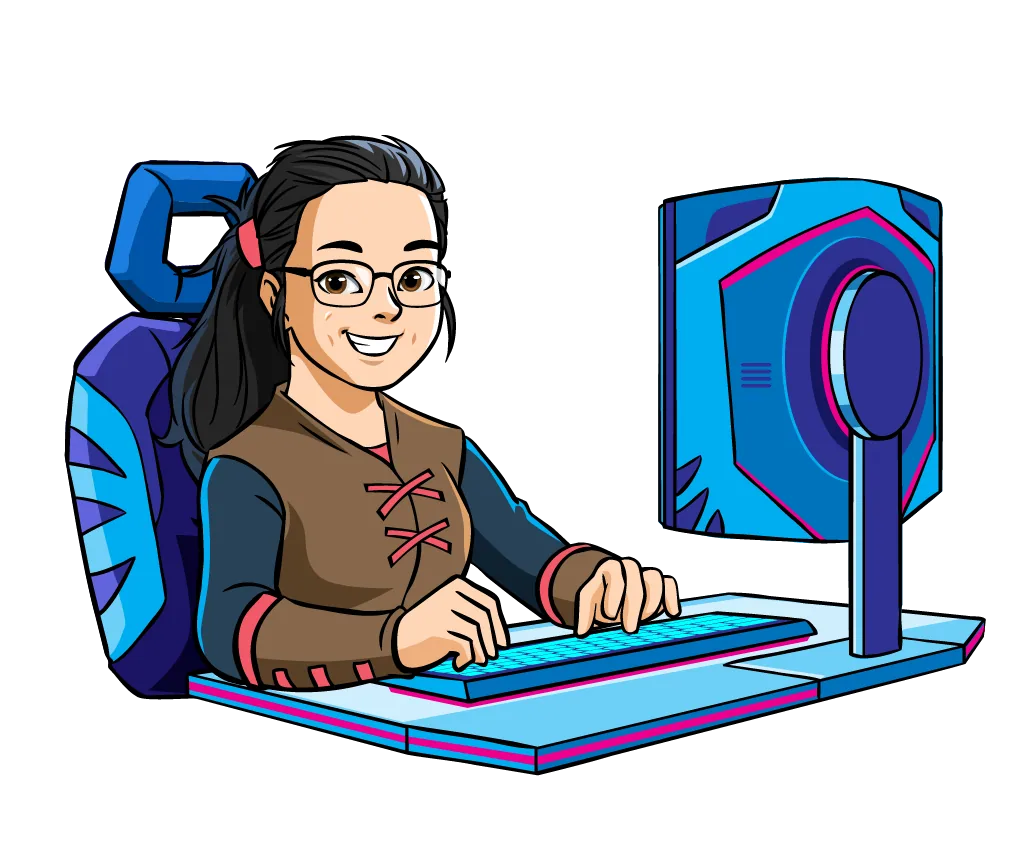
  2. Brenda designing at her computer

    Phase 2 · Prioritize the fixes

    Plan

    We sort issues by impact and effort, so the barriers that affect the most people are fixed first. You’ll know exactly what we’ll change and why.

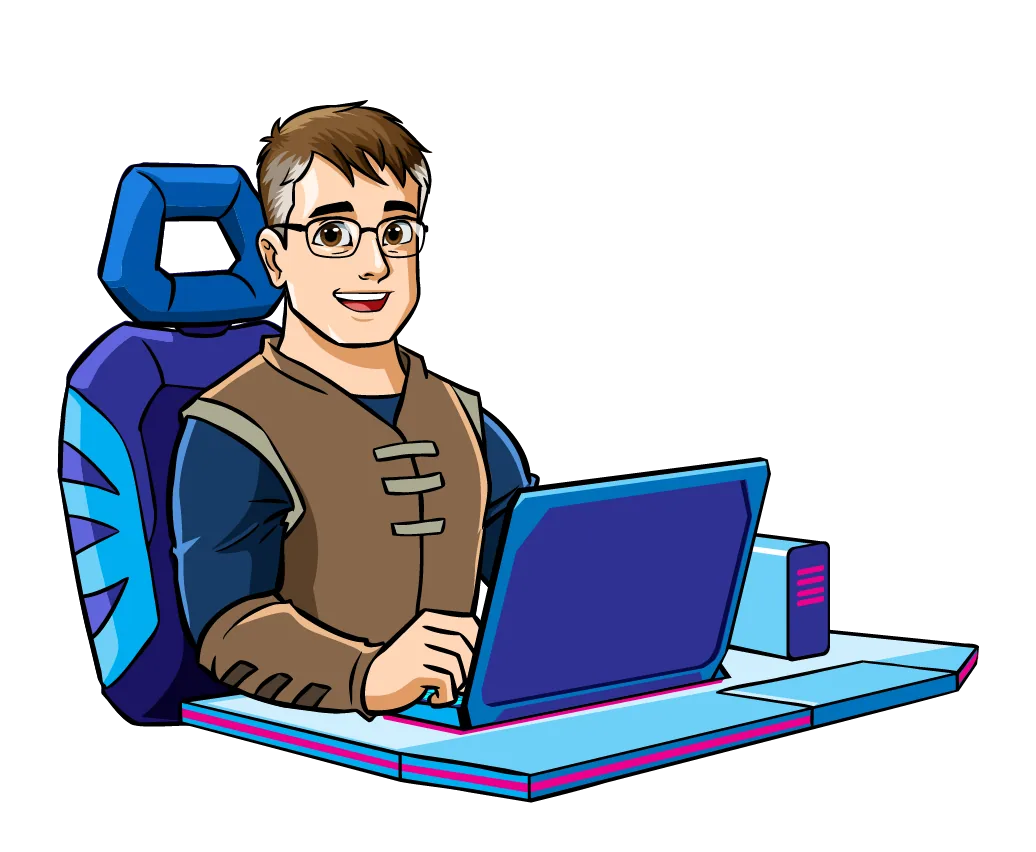
  3. Craig building the project on his computer

    Phase 3 · Remediate

    Fix

    We fix colour contrast, headings, alt text, forms, keyboard access and more. Documents like PDFs can be made accessible too.

  4. The CryoDragon standing guard beside Brenda

    Phase 4 · Stay compliant

    Maintain

    We retest the site and train your team to keep new content accessible. An accessibility statement and ongoing checks help you stay compliant with the AODA.

What we checkCommon Website Accessibility Issues [ice]We Fix[/ice]

Most accessibility problems are simple to fix once they’re found. We combine automated testing with manual testing using a keyboard and screen readers, because automated tools only catch part of the problem.

  • Text and buttons without enough colour contrast
  • Images missing descriptive alternative text
  • Headings used for styling instead of structure
  • Menus, sliders and pop-ups that can’t be used with a keyboard
  • Form fields without labels or clear error messages
  • Links that just say “click here”
  • Videos without captions
  • PDFs and Word documents that screen readers can’t read

Keeping it accessibleAccessibility Is an [ice]Ongoing Commitment[/ice]

A website can pass an audit today and fail next month when someone uploads an image without alt text or a PDF that isn’t tagged. That’s why we pair remediation with accessibility training for the people who update your website, and offer periodic re-checks through our maintenance plans.

Our team has delivered accessibility training for organizations such as Cambridge Memorial Hospital, helping staff create accessible web content and documents. We make accessibility practical, not overwhelming.

Illustrated craig working on a laptop

Questions we hear a lot AODA Website Accessibility [ice]FAQs[/ice]

Who sets the standards for web accessibility?

The Web Content Accessibility Guidelines (WCAG) come from the World Wide Web Consortium (W3C), led by Sir Tim Berners-Lee, inventor of the World Wide Web. Governments then decide which level to require. Ontario’s AODA requires WCAG 2.0 Level AA for public sector organizations and businesses or non-profits with 50+ employees.

Should I aim for Level A, AA or AAA?

If the law requires AA, start there. Even if you don’t have to comply, aiming higher from the start is more cost-effective than redoing the work later.

How do I know if my website is accessible?

Free tools like WAVE can flag common problems, but automated tools miss a lot. Our Sense audit combines tools with manual testing for a reliable picture.

Can you make our PDFs and Word documents accessible?

Yes. We test and remediate Adobe PDF, Word, PowerPoint and Excel files, and we can train your staff to create accessible documents themselves. See training & courses.

Does my business need to comply with the AODA?

It depends on your sector and number of employees in Ontario. Try our AODA compliance check to see what applies to you.

What is WCAG?

The Web Content Accessibility Guidelines are international standards published by the W3C. They’re organized around four principles: content must be perceivable, operable, understandable and robust.

Is an accessibility widget like Ward enough on its own?

Ward adds helpful tools and automated fixes right away, but no automated tool can fix every issue in your code and content. For full WCAG 2.0 AA conformance, we recommend pairing it with a Sense audit or an Elixir remediation.

How long does an accessibility audit take?

A Sense audit usually takes 1–3 days. Larger websites are reviewed using a representative sample of page types.

Will accessibility changes affect my design?

Usually very little. Most fixes are invisible or subtle, like better alt text, labels and slightly stronger colour contrast.

Can you make videos accessible?

Yes. We can add captions and transcripts, and make sure video players can be operated with a keyboard.

Do you provide an accessibility statement?

Yes. We can write an accessibility statement and feedback process for your website, which is good practice for any organization.

Is accessibility good for SEO?

Many accessibility practices, like descriptive headings, alt text and clear link text, also help search engines understand your content.