Accessibility is everyone’s job AODA Training for [ice]Cambridge Memorial Hospital[/ice]
Cambridge Memorial Hospital serves the community of Cambridge and North Dumfries. As a public sector organization in Ontario, its website and documents must meet the Accessibility for Ontarians with Disabilities Act (AODA), which requires WCAG 2.0 Level AA.
Accessibility isn’t just a technical checklist for web developers. Every staff member who uploads a PDF, writes a news post or creates a form shapes how accessible the hospital is online. CMH asked us to help their team build those skills.
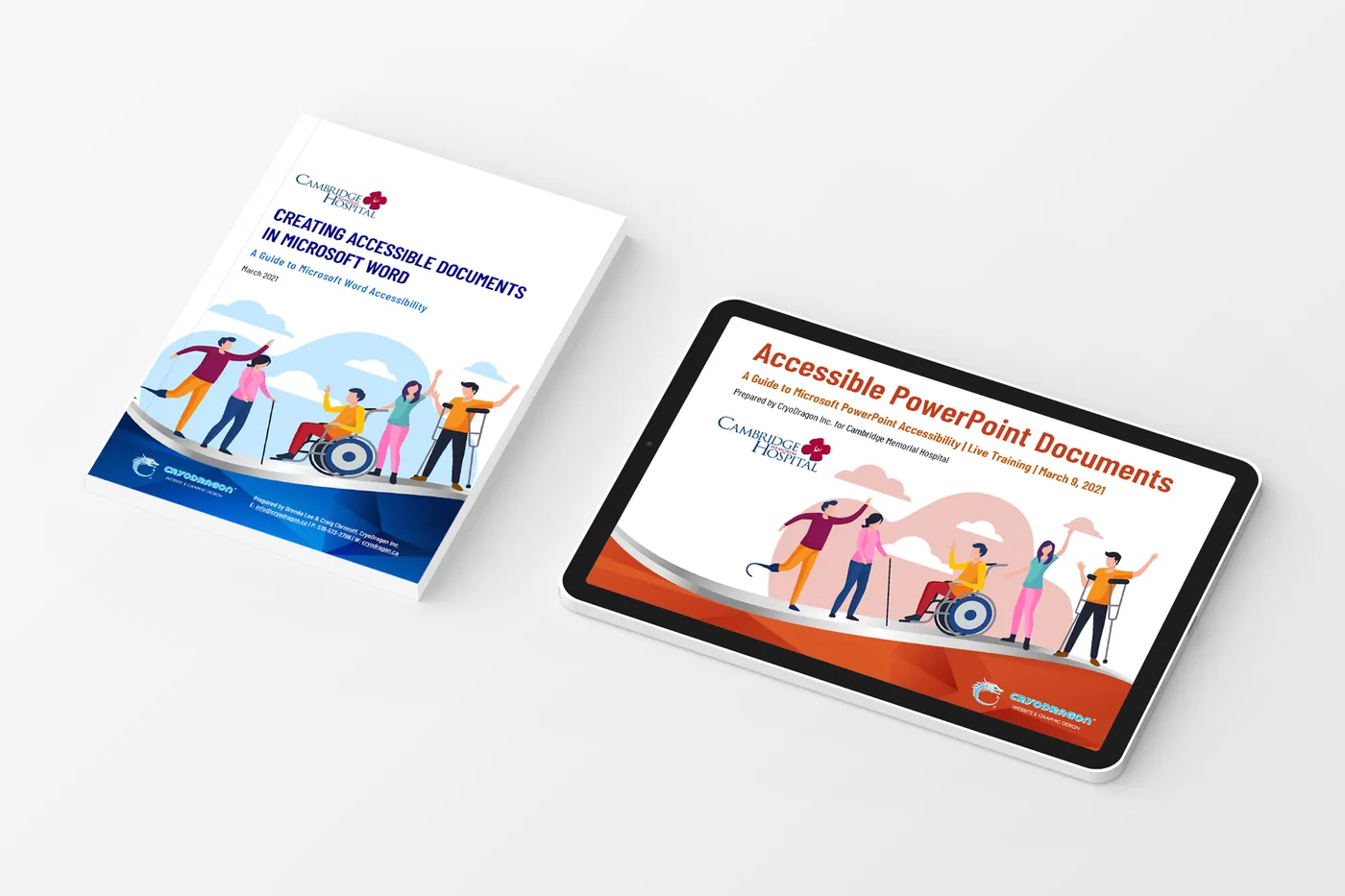
The finished project
How we approached it Case Study: Building Accessible [ice]Habits[/ice]
We designed practical training around the content staff create every day, with real examples and simple checklists they could keep using afterwards:
WCAG in Plain Language
We explained what WCAG 2.0 AA asks for, and why, without the legal jargon.
Accessible Documents
Hands-on guidance for Word and PDF: headings, alt text, reading order, tables and colour contrast.
Web Content Best Practices
How to write link text, structure pages and add images so screen-reader users get the same information.
Lasting Confidence
Checklists and tools such as WAVE help staff check their own work long after the session ends.
Why Accessibility Training Matters
Ontario’s accessibility rules apply to all public sector organizations and to private and non-profit organizations with 50 or more employees. Training is the most cost-effective way to stay compliant, because it prevents problems instead of fixing them later.
Our AODA services range from quick audits to full remediation and team training like this.
- WCAG 2.0 Level AA overview
- AODA requirements
- Accessible Word documents
- Accessible PDFs
- Alt text & images
- Headings & structure
- Colour contrast
- Self-checking tools